		<div class="organization_map">
			<img src="images/organization_map.png" />
			<div class="point active" style="top: 30%; left: 16%;">
		      <div class="point-tooltip">
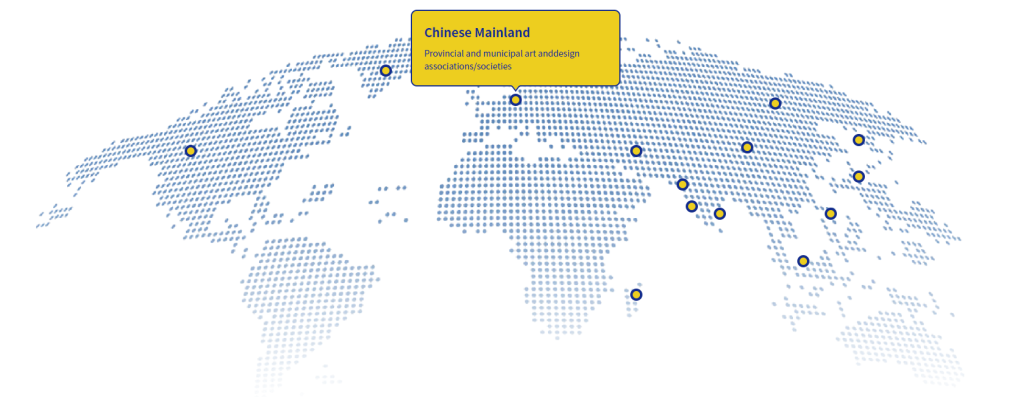
		      	<h2>Chinese Mainland</h2>
		      	<p>Provincial and municipal art anddesign associations/societies</p>
		      </div>
		    </div>
		    <div class="point" style="top: 8%; left:37%;">
		      <div class="point-tooltip">
		      	<h2>Chinese Mainland</h2>
		      	<p>Provincial and municipal art anddesign associations/societies</p>
		      </div>
		    </div>
		    <div class="point" style="top: 16%; left: 51%;">
		      <div class="point-tooltip">
		      	<h2>Chinese Mainland</h2>
		      	<p>Provincial and municipal art anddesign associations/societies</p>
		      </div>
		    </div>
		    <div class="point" style="top: 30%; left: 64%;">
		      <div class="point-tooltip">
		      	<h2>Chinese Mainland</h2>
		      	<p>Provincial and municipal art anddesign associations/societies</p>
		      </div>
		    </div>
		    <div class="point" style="top: 69%; left: 64%;">
		      <div class="point-tooltip">
		      	<h2>Chinese Mainland</h2>
		      	<p>Provincial and municipal art anddesign associations/societies</p>
		      </div>
		    </div>
		    <div class="point" style="top: 39%; left: 69%;">
		      <div class="point-tooltip">
		      	<h2>Chinese Mainland</h2>
		      	<p>Provincial and municipal art anddesign associations/societies</p>
		      </div>
		    </div>
		    <div class="point" style="top: 45%; left: 70%;">
		      <div class="point-tooltip">
		      	<h2>Chinese Mainland</h2>
		      	<p>Provincial and municipal art anddesign associations/societies</p>
		      </div>
		    </div>
		    <div class="point" style="top: 47%; left: 73%;">
		      <div class="point-tooltip">
		      	<h2>Chinese Mainland</h2>
		      	<p>Provincial and municipal art anddesign associations/societies</p>
		      </div>
		    </div>
		    <div class="point" style="top: 29%; left: 76%;">
		      <div class="point-tooltip">
		      	<h2>Chinese Mainland</h2>
		      	<p>Provincial and municipal art anddesign associations/societies</p>
		      </div>
		    </div>
		    <div class="point" style="top: 17%; left:79%;">
		      <div class="point-tooltip">
		      	<h2>Chinese Mainland</h2>
		      	<p>Provincial and municipal art anddesign associations/societies</p>
		      </div>
		    </div>
		    <div class="point" style="top: 27%; left:88%;">
		      <div class="point-tooltip">
		      	<h2>Chinese Mainland</h2>
		      	<p>Provincial and municipal art anddesign associations/societies</p>
		      </div>
		    </div>
		    <div class="point" style="top: 37%; left:88%;">
		      <div class="point-tooltip">
		      	<h2>Chinese Mainland</h2>
		      	<p>Provincial and municipal art anddesign associations/societies</p>
		      </div>
		    </div>
		    <div class="point" style="top: 47%; left:85%;">
		      <div class="point-tooltip">
		      	<h2>Chinese Mainland</h2>
		      	<p>Provincial and municipal art anddesign associations/societies</p>
		      </div>
		    </div>
		    <div class="point" style="top:60%; left:82%;">
		      <div class="point-tooltip">
		      	<h2>Chinese Mainland</h2>
		      	<p>Provincial and municipal art anddesign associations/societies</p>
		      </div>
		    </div>
		</div>
<script>
    const points = document.querySelectorAll('.point');
let currentIndex = 0; // 当前激活的点位索引
let intervalId;


// 切换到指定索引的点位
function switchToPoint(index) {
  // 移除之前激活的点位样式
  points.forEach(p => p.classList.remove('active'));
  // 激活当前点位
  points[index].classList.add('active');
  currentIndex = index;
}

// 自动交替展示(每次一个)
function startAutoSwitch() {
  intervalId = setInterval(() => {
    currentIndex = (currentIndex + 1) % points.length;
    switchToPoint(currentIndex);
  }, 3000); // 3秒切换一次
}

// 鼠标移入点位:切换到当前点位,并暂停自动切换
points.forEach((point, index) => {
  point.addEventListener('mouseenter', () => {
    clearInterval(intervalId); // 暂停自动切换
    switchToPoint(index);
  });
  // 鼠标移出:恢复自动切换
  point.addEventListener('mouseleave', startAutoSwitch);
});

// 启动自动交替展示
startAutoSwitch();
  </script>